Drawlight
Draw anything — even if you think you can't.
Drawlight shows a picture on your paper through your phone's camera. You trace it with a pencil, and a few minutes later you're holding a real drawing. Pick from 390+ pictures with step-by-step lessons, turn your own photos into sketches on the device, letter names and quotes, or relax with a coloring book.
See it in action
From a blank page to a drawing you made.
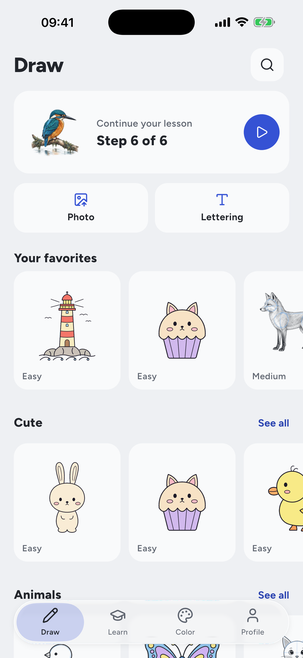
01390+ pictures, each with its level
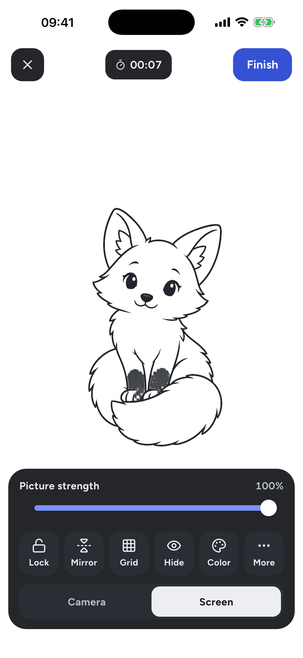
02Tracing with the picture strength slider
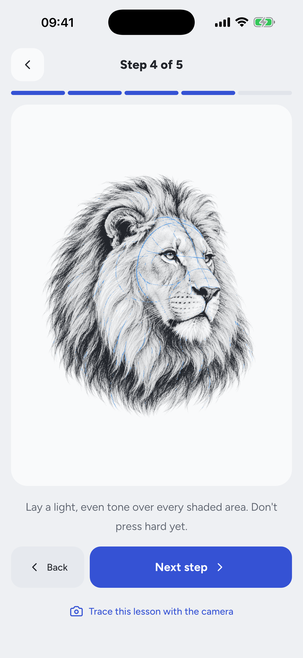
03A lesson, one step at a time
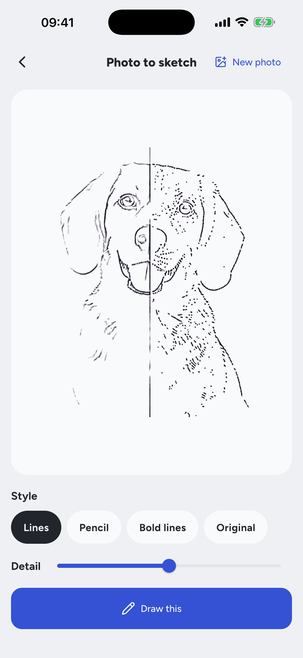
04Your photo turned into a sketch
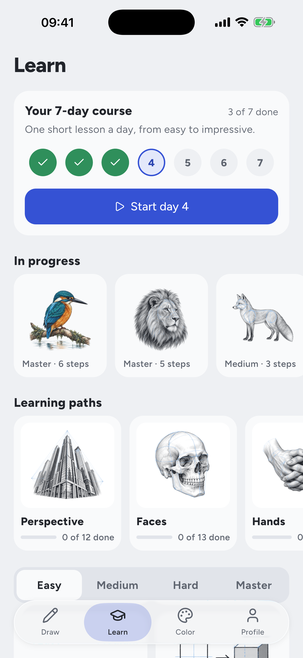
05The 7-day course and learning paths
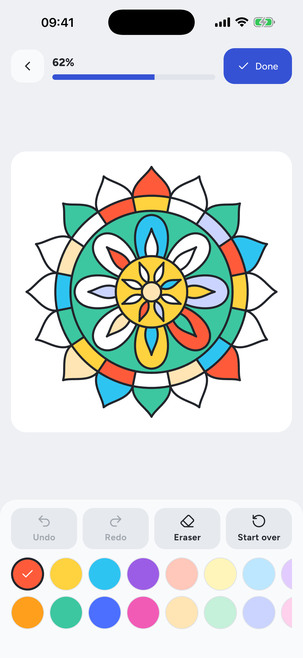
06A coloring page, tap to fill
Everything in the app
Built and shipping today.
Not a roadmap — every feature below is in the app right now.
Camera tracing
Stand your phone on a glass or a few books above the paper. The picture sits over your paper on the screen; lock it and trace the lines you see.
Light box
No stand nearby? Lay thin paper right on the screen, turn it up to full brightness and trace the lines that shine through.
AR mode
The picture stays pinned to your paper while you hold the phone and move it — on iPhones that support Apple's ARKit.
Step-by-step lessons
Construction lines first, then the outline, then the shading. Hard and Master pictures go up to five or six steps.
Photo to sketch
Turn a photo of your pet, your friends or your street into clean lines, bold lines or a pencil sketch — right on your phone, never uploaded.
A course and learning paths
A 7-day course with one short lesson a day, plus paths for perspective, faces, hands, the figure, anime, animals, and light and shadow.
Also included
- Easy, Medium, Hard and Master levels
- 160+ color examples, colored pencil too
- Lettering in 14 fonts
- A 24-page coloring book
- Album, videos and time-lapses
- Image Playground on Apple Intelligence iPhones
How it works
- 1
Set up your phone
Stand it on a glass or a stack of books about 25 cm above the paper — or lay thin paper on the screen.
- 2
Pick a picture
Choose from the library, a lesson, your own photo or your own lettering. It appears over your paper.
- 3
Trace it
Follow the lines with a pencil, one step at a time. Snap a photo of the result for your album.
Speaks your language.
The full interface is translated into 39 languages, so every lesson step and hint reads in the language you think in.
Legal & support
Ready to try it?
Coming to the App Store soon.